
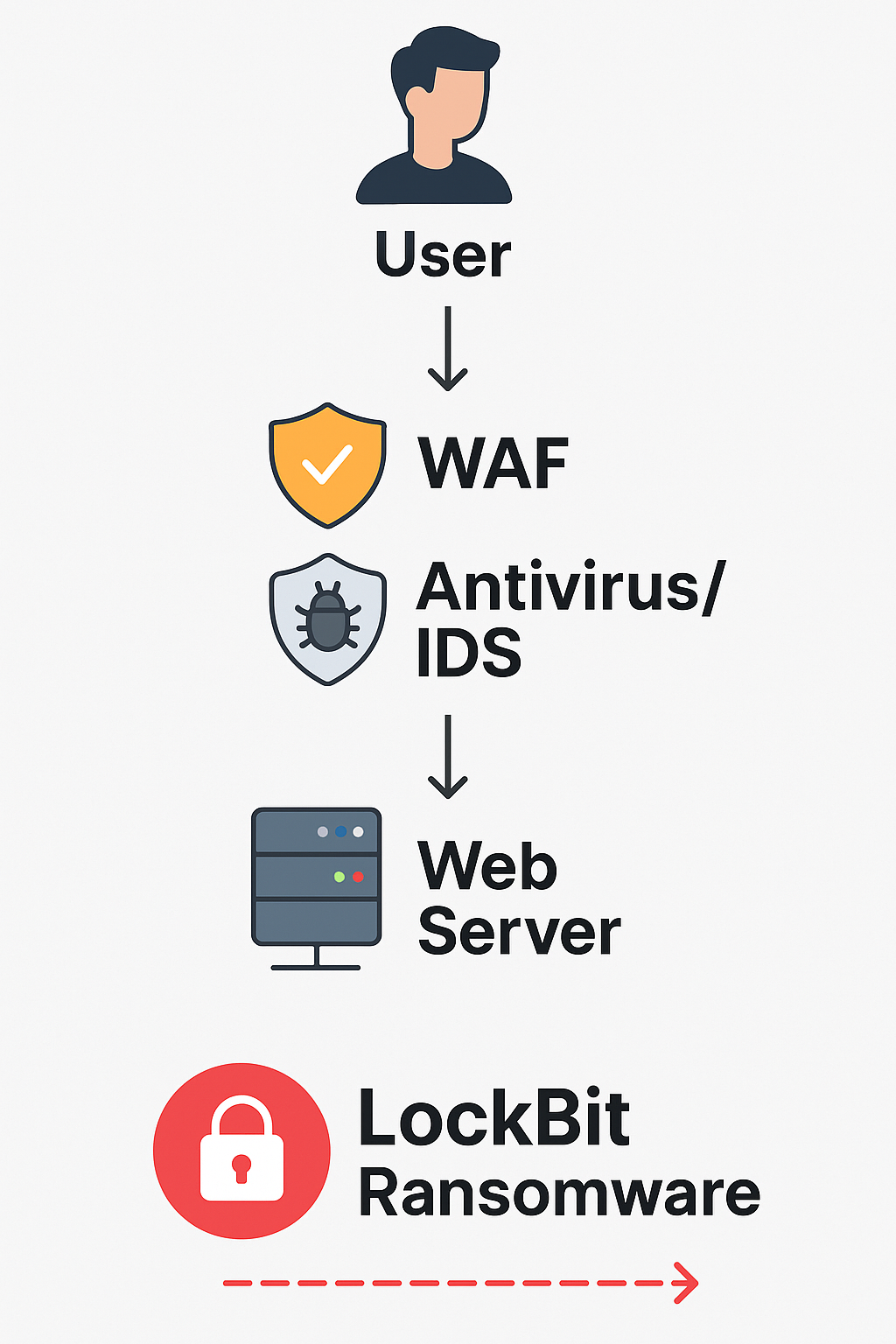
🧨 Apa Itu LockBit?
LockBit adalah varian ransomware canggih yang menargetkan server dan sistem jaringan, termasuk web server berbasis Linux dan Windows. LockBit mampu:
Mengenkripsi file secara cepat.
Menyebar ke jaringan internal.
Menyamar sebagai proses legal agar tidak terdeteksi.
Web server seperti Apache, Nginx, atau IIS menjadi target empuk jika tidak dikonfigurasi dengan benar.
🎯 Jalur Masuk Umum LockBit ke Web Server
🔓 Login server menggunakan brute-force SSH/RDP.
🐛 Eksploitasi kerentanan CMS atau plugin.
📤 Upload file berbahaya via upload form.
🐍 Menyisipkan payload lewat skrip PHP/CGI.
🎭 Akses credential dari file config yang bocor.
🛡️ Cara Mencegah Serangan LockBit dari Sisi Web Server
Berikut adalah langkah-langkah penting untuk mengamankan web server dari ransomware seperti LockBit:
🔐 1. Gunakan Autentikasi yang Kuat
Nonaktifkan login root SSH
Aktifkan 2FA (Two-Factor Authentication)
Gunakan port non-standar untuk SSH (hindari port 22)
Batasi akses SSH hanya dari IP tertentu (firewall/IP whitelist)
🧰 2. Aktifkan WAF (Web Application Firewall)
Gunakan Cloudflare / FortiWeb / ModSecurity
Buat aturan blokir:
File upload ekstensi
.exe,.bat,.ps1Akses folder admin dari IP luar negeri
Deteksi XSS, LFI, RCE, dan exploit CMS
🔒 3. Atur Hak Akses File & Folder
Pastikan direktori web (
/var/www/) tidak punya hak tulis secara publik:Proteksi
.env,.htaccess, dan config:
🛠️ 4. Aktifkan Antivirus + IDS
ClamAV (Linux antivirus)
Fail2Ban (blokir brute-force)
OSSEC atau Snort untuk deteksi serangan real-time
Jalankan scan rutin:
🧯 5. Backup Otomatis Harian
Gunakan cron + rsync atau BorgBackup
Simpan backup di lokasi terpisah (offsite/cloud)
Contoh cron job backup:
🔍 6. Update CMS, Plugin, dan OS Rutin
WordPress: selalu update plugin & tema
Cek kerentanan:
wpscan,nucleiUpdate OS:
🚫 7. Blokir Eksekusi File Asing di Folder Upload
Jika kamu menerima upload dari user (misal: gambar), blokir skrip di folder tersebut:
🧠 Kesimpulan
Mencegah ransomware seperti LockBit membutuhkan kombinasi strategi:
🔐 Perkuat akses server
🛡️ Filter lalu lintas web dengan WAF
🗃️ Backup dan audit berkala
🔄 Patch software secara rutin
📣 Ingin Audit & Hardening Server?
Tim smartlombok.my.id siap membantu:
Audit keamanan server
Implementasi WAF dan IDS
Konfigurasi auto-backup + antivirus
📞 WA: 0857-2520-2057
📧 Email: lombokdevblog@gmail.com